Moving your website to Cloudflare without losing email, mail flow or sleep
Cloudflare's free plan gives your site a global CDN, free SSL, and a real WAF. The migration is 20 minutes, if you don't break MX records in the middle.
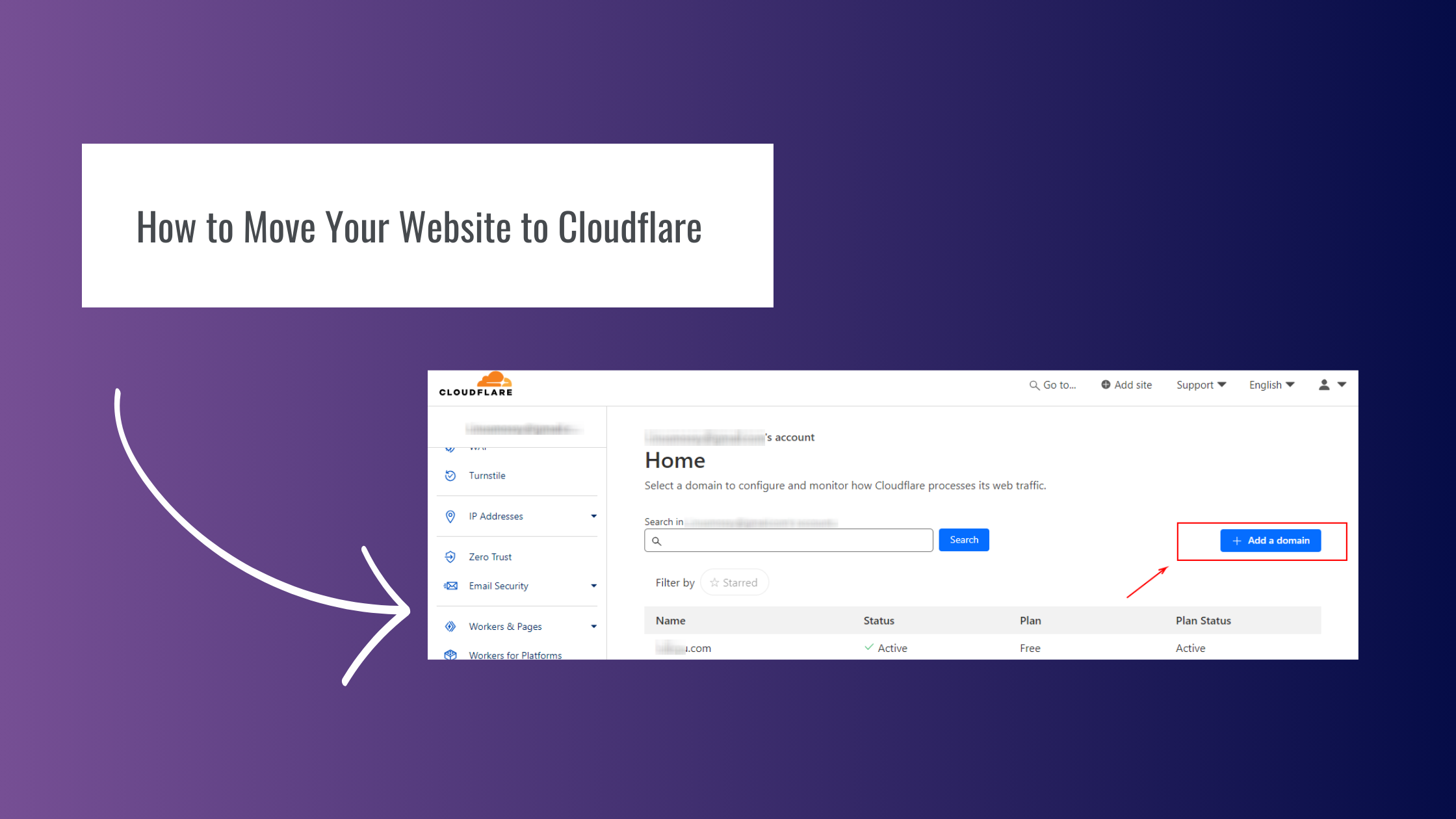
Putting Cloudflare in front of your website is probably the single highest-ROI infrastructure upgrade a small business can make. Free CDN, free SSL, real DDoS protection, a WAF you can actually use. The migration itself takes about 20 minutes if you don't break your email in the middle. Here's how to do it cleanly.
Step 1: Audit your current DNS
Before you touch anything, log into your current registrar (or hosting DNS) and write down every record. The ones that matter most: A, AAAA, CNAME, MX (mail), TXT (SPF / DKIM / domain verification), and any service-specific CNAMEs (Microsoft 365, Google Workspace).
Step 2: Create a Cloudflare account and add your domain
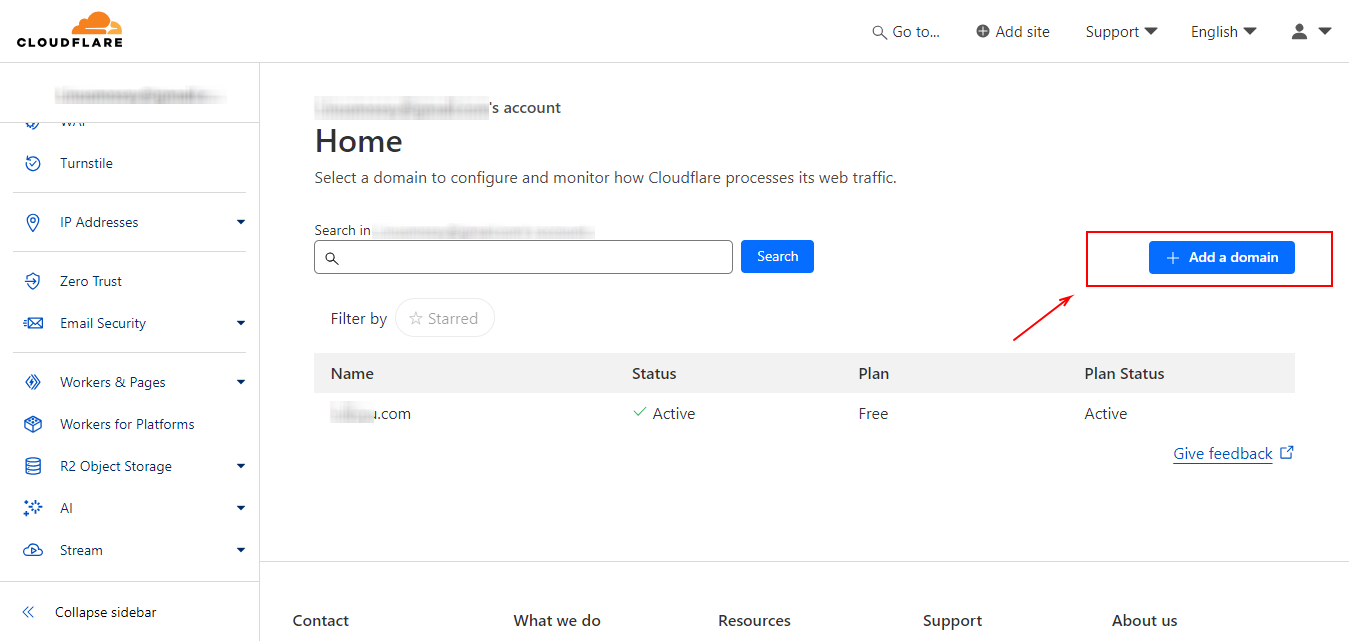
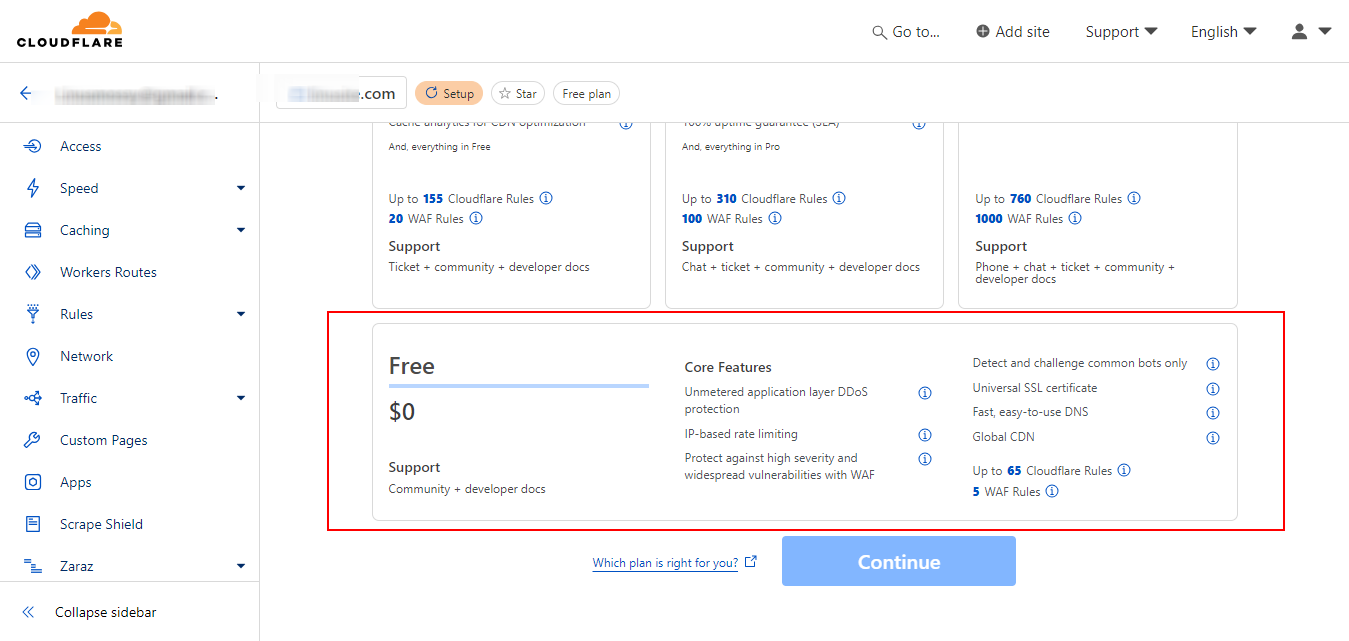
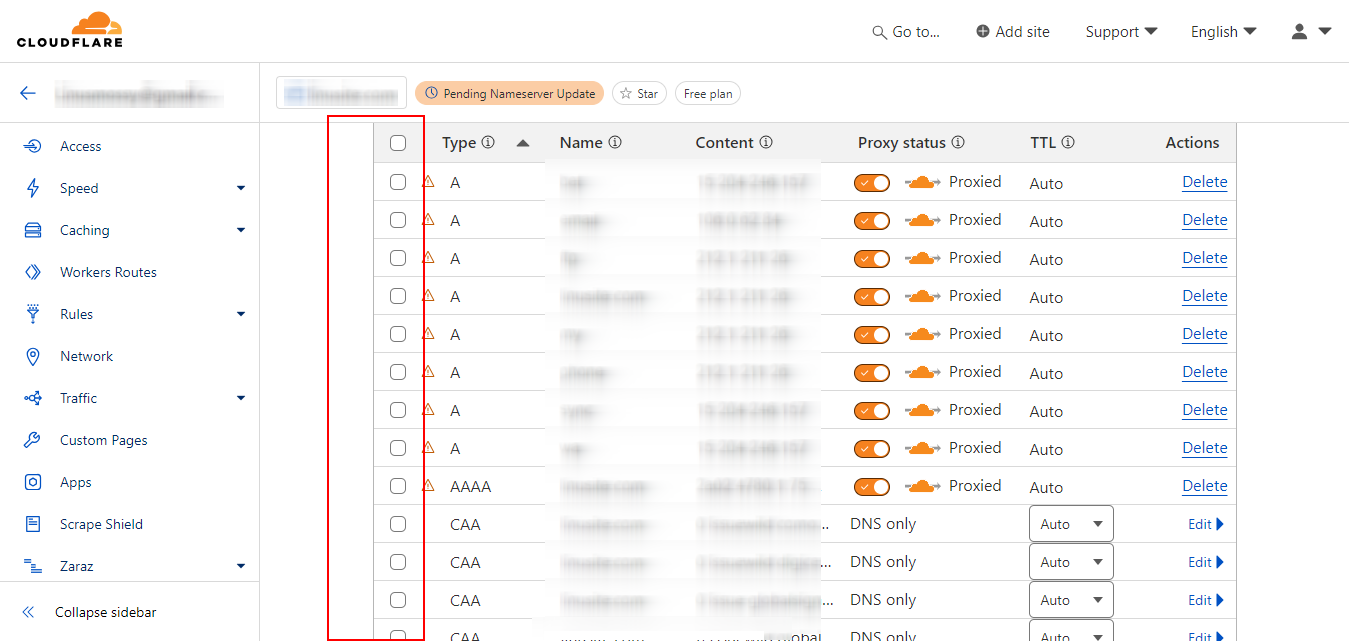
Sign up for Cloudflare (free plan is fine), click "Add a site", and paste your domain. Cloudflare will scan and import most of your records automatically, but it never gets all of them. Compare against your audit list and add the missing ones manually.
Step 3: Get the proxy state right
This is where most migrations go wrong. Every record in Cloudflare has an orange-cloud toggle:
- Web (A / AAAA / CNAME pointing at the site itself) → proxied (orange cloud on). This is what gives you CDN, WAF and DDoS protection.
- MX records → never proxied. Cloudflare can't proxy SMTP.
- TXT records (SPF, DKIM, verification) → automatically grey (no proxy).
- Subdomains for mail (mail., smtp., imap.) → grey-cloud. Mail clients need direct connections.
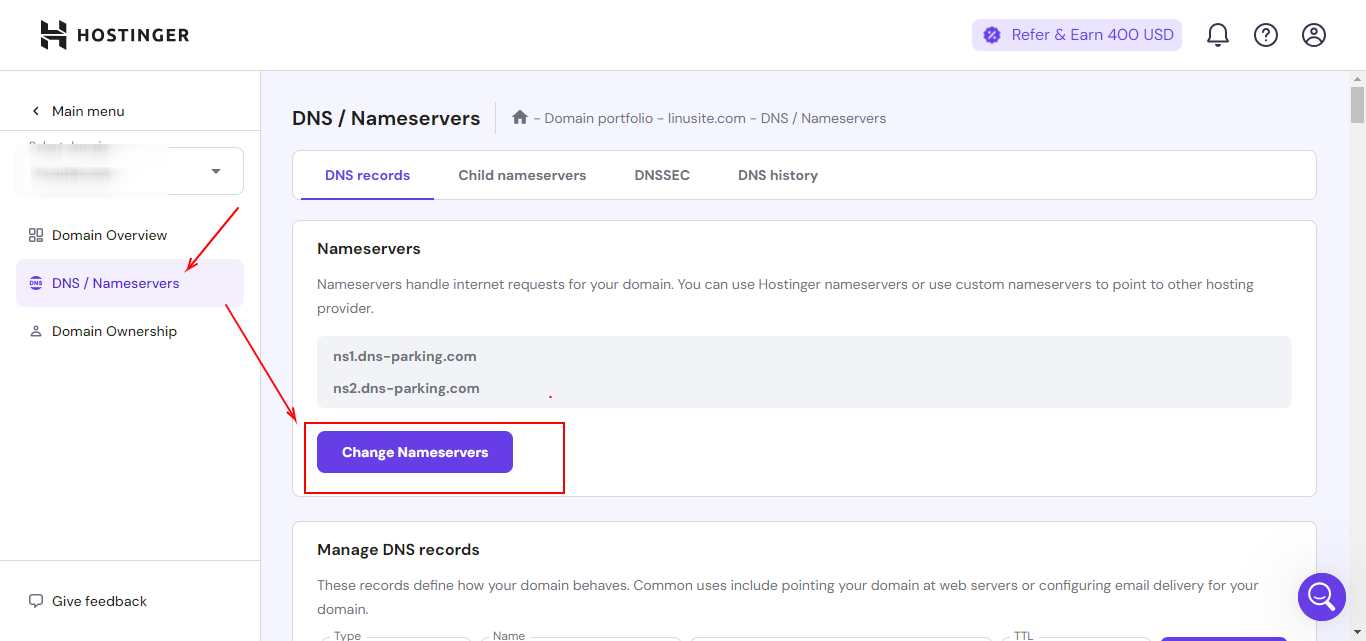
Step 4: Change your nameservers at the registrar
Cloudflare gives you two nameservers: point your domain at them from wherever you registered the domain (GoDaddy, Namecheap, Cloudflare Registrar, etc.). Propagation usually takes minutes for small registrars, up to 24 hours for the slow ones.
Step 5: Verify, then turn on the good stuff
Use intoDNS or dig to confirm your records resolve correctly from outside. Send yourself a test email both ways. Then in Cloudflare:
- SSL/TLS mode: Full (Strict). Anything less is a downgrade.
- Always Use HTTPS: on.
- Auto Minify: skip, modern build pipelines already minify, and Cloudflare's minifier can break some JS.
- Bot Fight Mode: on.
- Page Rules / Cache Rules: cache static assets aggressively (CSS, JS, images), bypass the WordPress admin.
When to call us
If your site is mission-critical, runs email on the same domain as the website, or you've been burned by a DNS migration before, we do migrations as a flat-rate service. We script the cutover so there's no email-down window.
Reference images