
Track submitted, approved, rejected, active, and closed loans.
All features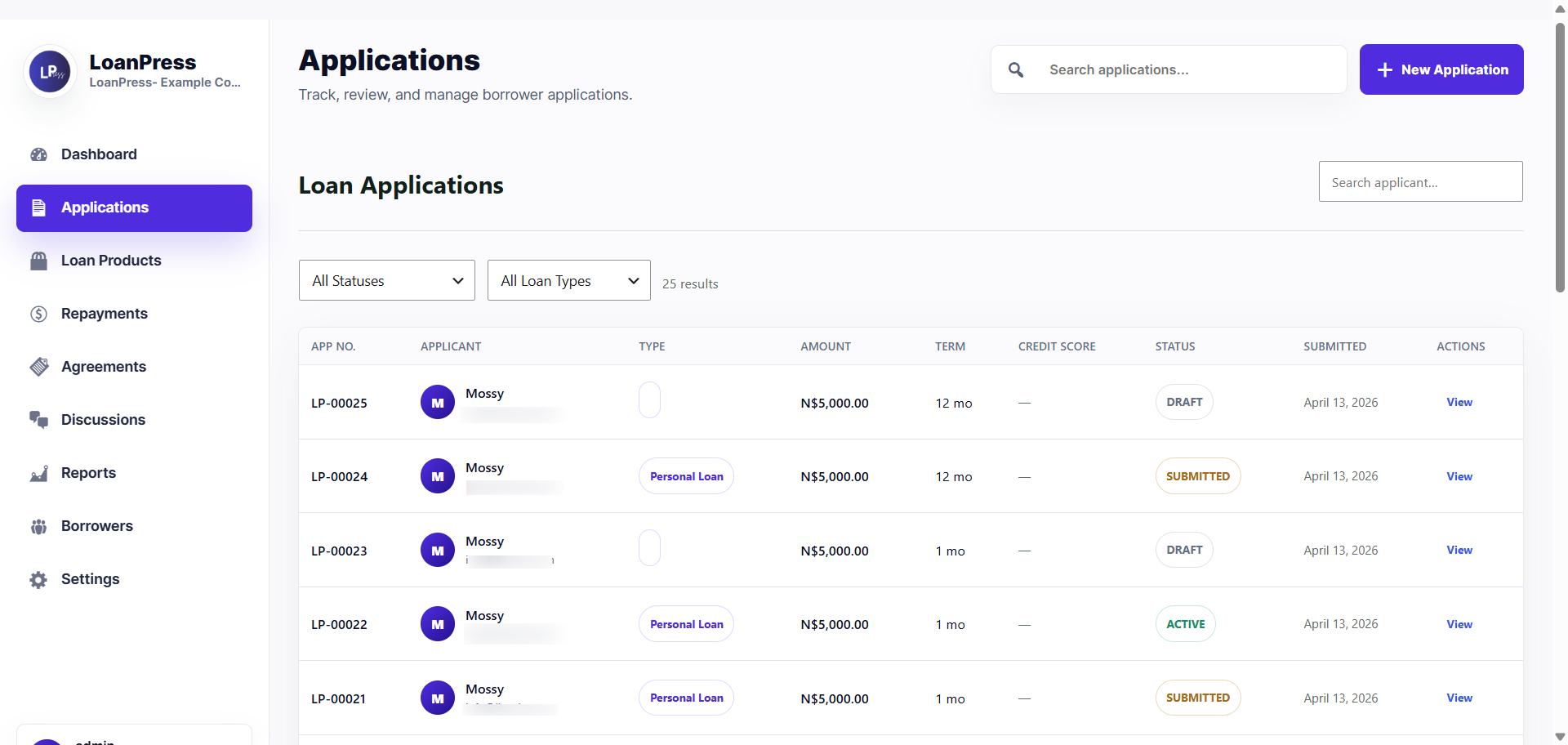
For owners and managers tracking lending performance
Reports Dashboard
See application volume, active loans, disbursed totals, outstanding balances, and collection health from one dashboard.
How reports works in LoanPress
LoanPress gives lending teams a practical overview of the portfolio without forcing managers to export everything first. Key activity is summarized so staff can spot pending work and repayment risk faster.
Clearer portfolio visibility
Faster operational checks
Less spreadsheet dependency
See disbursed totals, outstanding balance, overdue accounts, and collection progress.
Filter operational views by status, date, product, and officer where supported.
Use dashboard summaries to catch work that needs attention.
Keep reporting connected to the same records staff already manage.
A workflow staff can follow
The feature is connected to borrower records, officer actions, and the status history that keeps lending work organized.
Measure
Dashboards summarize lending activity and current portfolio movement.
Filter
Staff can narrow records by the views that matter for day-to-day work.
Act
Teams move from the report view into the application or loan record that needs attention.
Related LoanPress features
Explore the connected modules that help this workflow move from borrower intake to final loan management.
Repayments
Create repayment schedules, record payments, flag overdue loans, and keep borrower balances visible.
Read featureDocument review
Approve, reject, or request resubmission for each uploaded file with a clear status trail.
Read featureCredit scoring
Calculate an application score from borrower data while still leaving room for officer judgment.
Read featureWant to test reports yourself?
Open the demo site and walk through the same workflow from borrower and staff views.