
Collect identity, income, employment, next-of-kin, and requested loan details in one guided form.
All features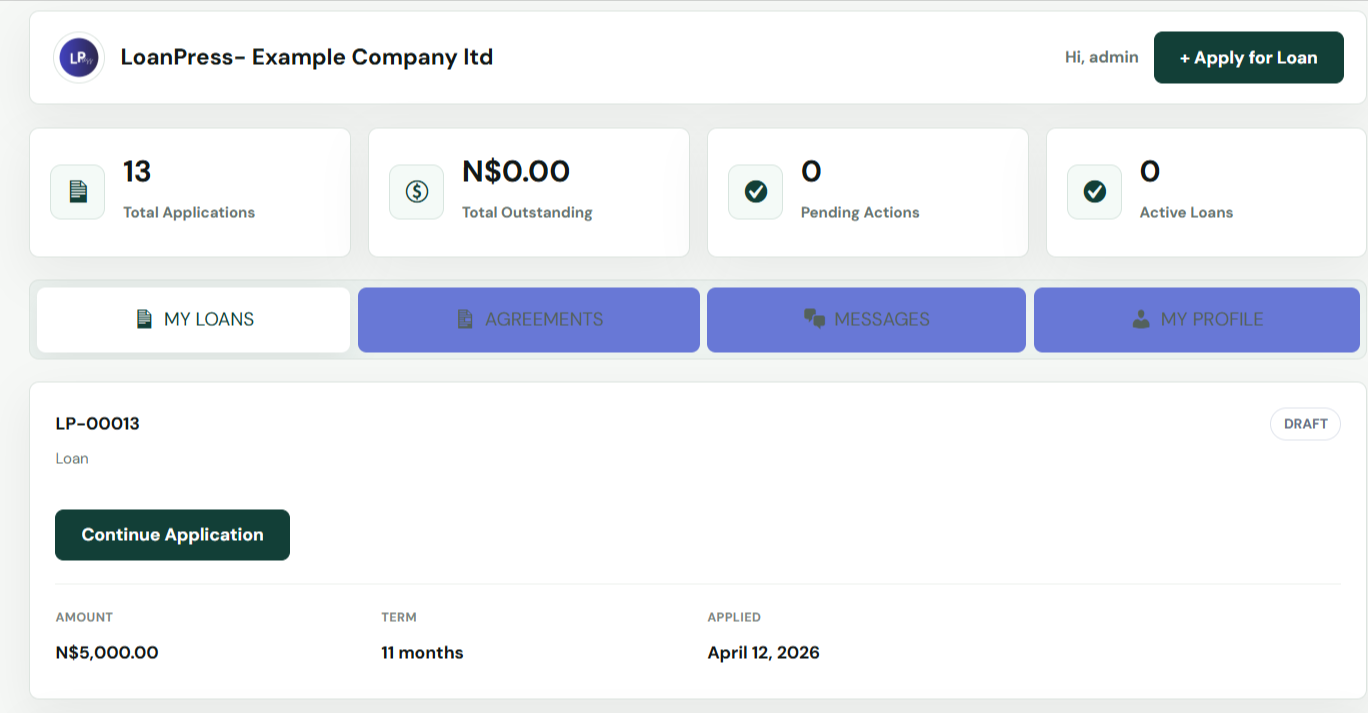
For borrowers starting a new loan request
Multi-Step Loan Application
A guided front-end form that captures borrower details, loan terms, KYC, and documents without sending clients into wp-admin.
How application intake works in LoanPress
LoanPress turns the first borrower touchpoint into a clean guided flow. Applicants can enter personal details, choose loan terms, upload documents, review repayment estimates, and submit from the front end of your WordPress site.
Fewer incomplete applications
Cleaner borrower records
Less manual follow-up before review
Show a live repayment estimate before the borrower submits the application.
Attach ID files, payslips, bank statements, and supporting documents to the application record.
Let returning borrowers continue with saved details and reduce repeat typing.
Keep the borrower experience outside wp-admin with secure front-end pages.
A workflow staff can follow
The feature is connected to borrower records, officer actions, and the status history that keeps lending work organized.
Start
Borrowers choose a product, enter the requested amount, and see the repayment estimate before moving forward.
Upload
KYC and supporting files are collected in the same flow, then stored against the application.
Submit
The application lands in the staff dashboard with status, borrower details, and document history ready for review.
Related LoanPress features
Explore the connected modules that help this workflow move from borrower intake to final loan management.
Document review
Approve, reject, or request resubmission for each uploaded file with a clear status trail.
Read featureBorrower security
Keep client activity on front-end pages while protecting each borrower record with strict access checks.
Read featureRepayments
Create repayment schedules, record payments, flag overdue loans, and keep borrower balances visible.
Read featureWant to test application intake yourself?
Open the demo site and walk through the same workflow from borrower and staff views.